GTA 6 camera preset: 12 look, 14 aim, almost no motion blur
One base PS5 player uses 12 for looking around, 14 for aiming and almost no motion blur; test stick drift, then compare a slow pan.
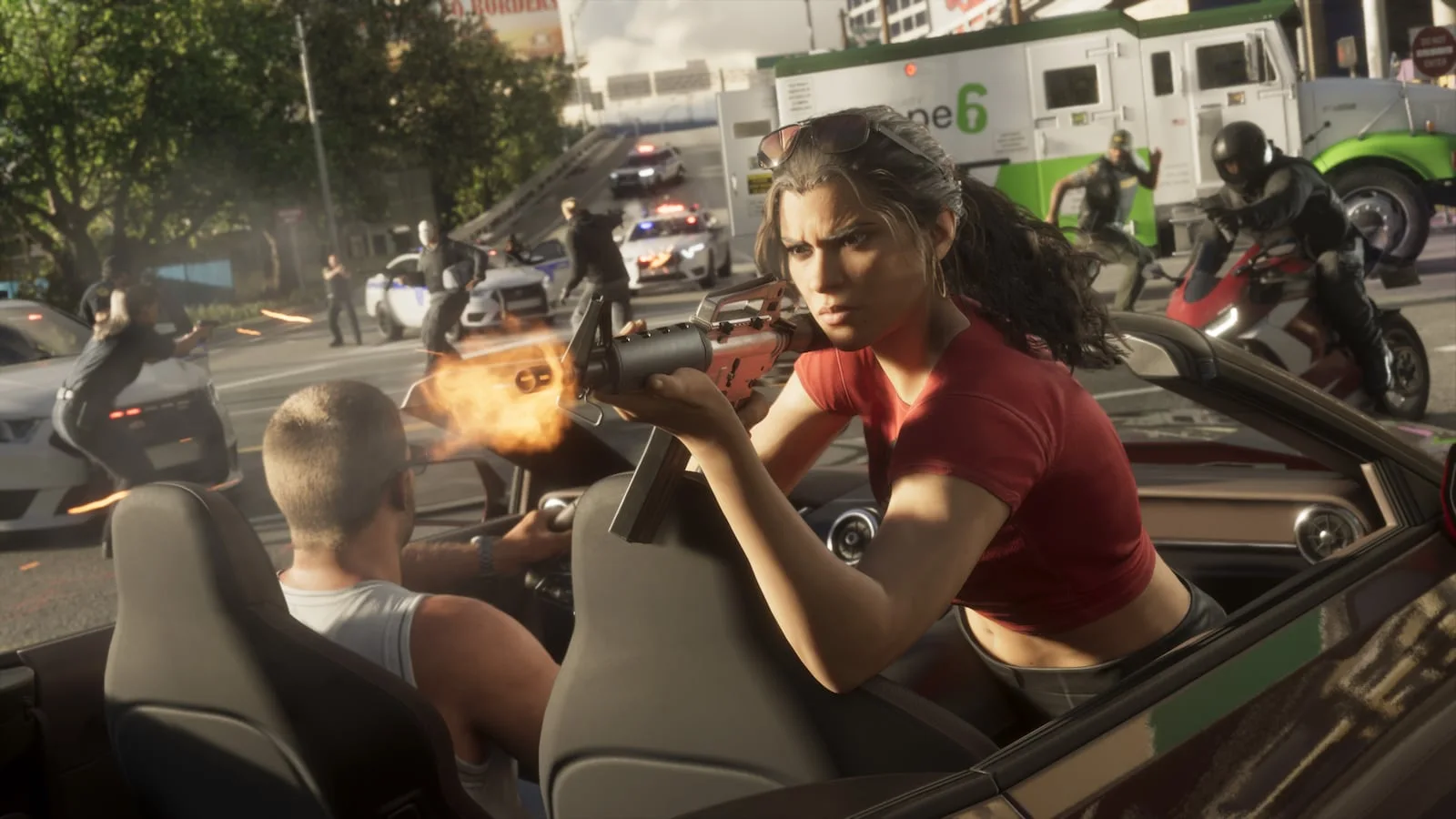
One base PS5 player’s settings
A base PS5 player uses 12 for looking around and 14 for aiming. u/Serious_Specter shared the settings on r/GTA6. They made turning, aiming and moving feel more responsive on the base PS5. Open Settings from the pause menu. The first six rows sit under Controller. Movement Speed sits under Gameplay. Motion Blur Strength sits under Display. The author played on a non-OLED screen. The post reports no frame-rate or input-lag measurements. [1]
| In-game setting | Value |
|---|---|
| Look Sensitivity (horizontal & vertical) | 12 |
| Aim Sensitivity (horizontal & vertical) | 14 |
| Look & Aim Acceleration | 14 |
| Aim Response Curve | Precision (3/4) |
| Deadzone (Left Stick) | 2 |
| Deadzone (Right Stick) | 0 |
| Movement Speed | Jog (3/4) |
| Motion Blur Strength | 0–2 |
Check the right stick before fine-tuning aim
Stand still and take your thumb off the right stick. If the camera creeps sideways at a deadzone of 0, raise the right-stick deadzone one step at a time until the view holds steady. Then pick a street sign and try settling your aim on a single letter. If you keep sliding past it, lower Aim Sensitivity and repeat the same test. Rockstar lists Restore Default at the bottom of the settings screen if you want to start over. [2]
Compare motion blur on your own screen
Try the same slow camera pan at motion blur strengths 0 and 2. Watch the lettering on a shopfront as it crosses the screen. In the same thread, u/inosinateVR preferred 7 on an OLED. If you own an OLED, use 7 as a third comparison and keep whichever setting makes that pan easiest to follow. [3]
HDCP and the system cache
The original poster also disabled HDCP and cleared the PS5 system cache. The post gives no before-and-after results for either change. You can try every setting in the table while leaving HDCP alone. Sony lists Clear System Software Cache in Safe Mode as a troubleshooting step for system issues or performance drops. [4]
Sources
- everything_i_did_to_make_gta_6_more_responsive_on · www.reddit.com
- how to change grand theft auto vi settings · support.rockstargames.com
- 19t013zy1tf8h · www.reddit.com
- safe mode playstation · www.playstation.com
Related story · GTA 6 HDR settings for a 1,000-nit TV
All news